Courses
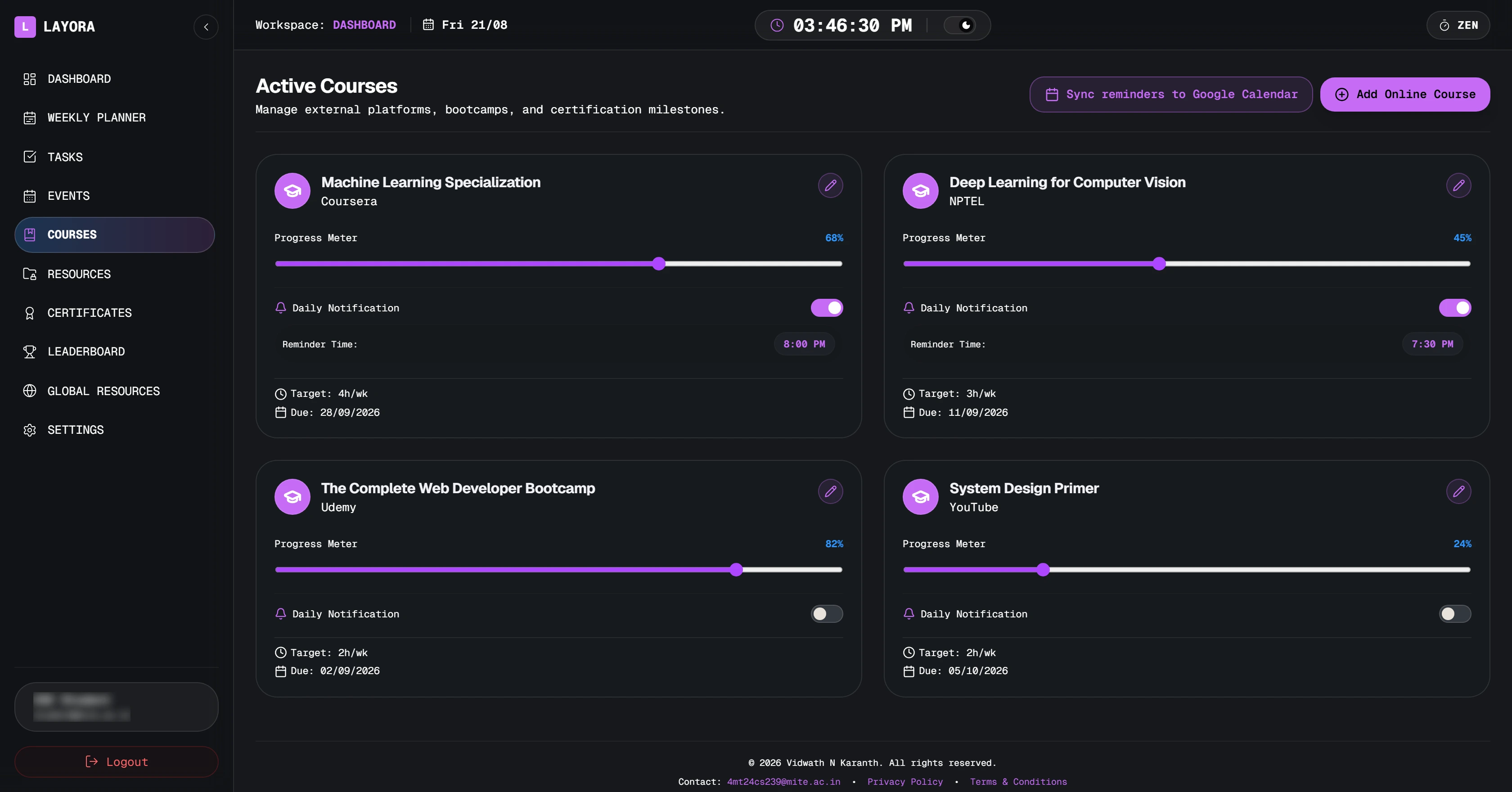
Online courses with a weekly target
NPTEL, Coursera, Udemy — progress, hours per week and a reminder before the deadline.
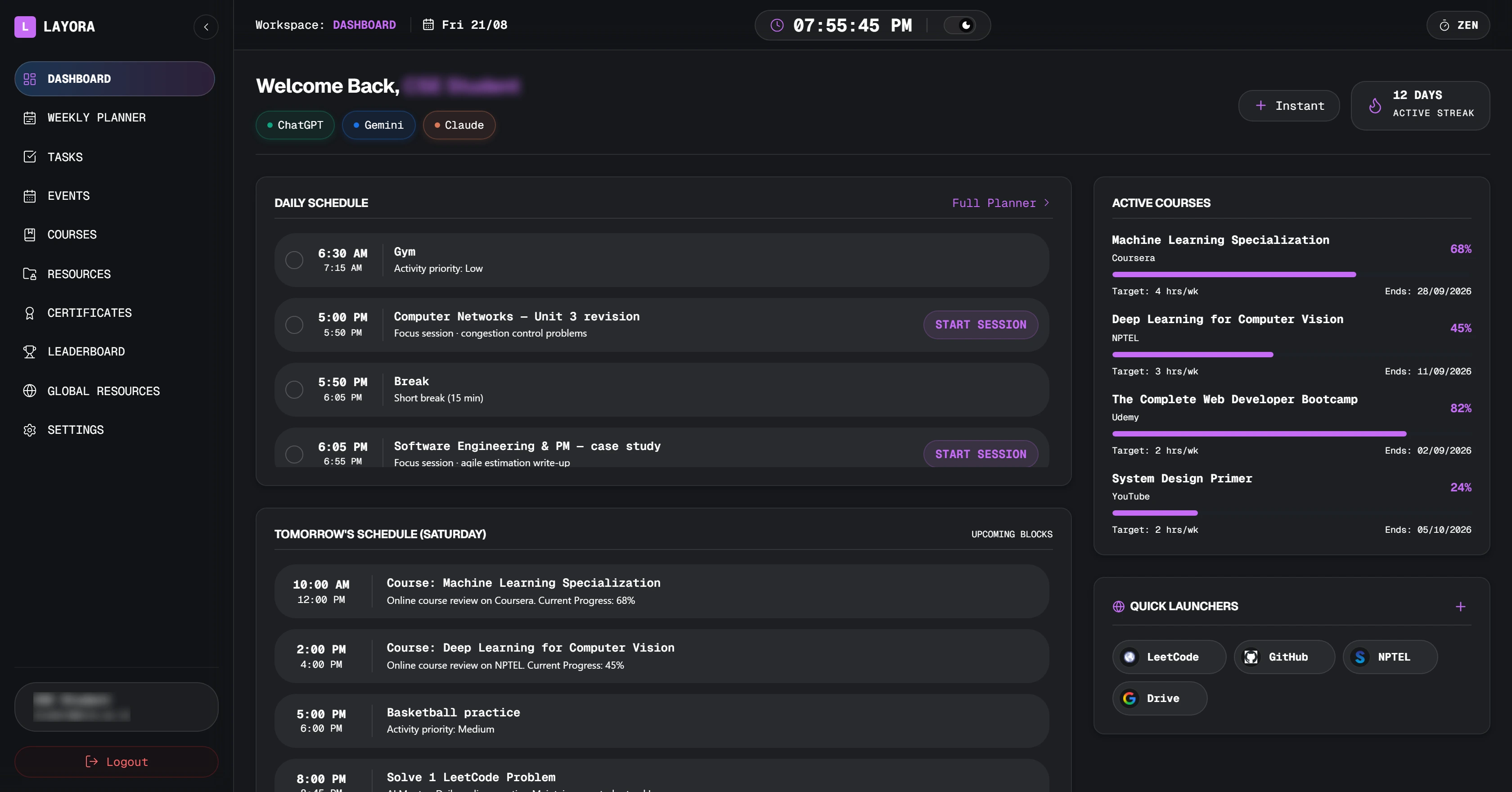
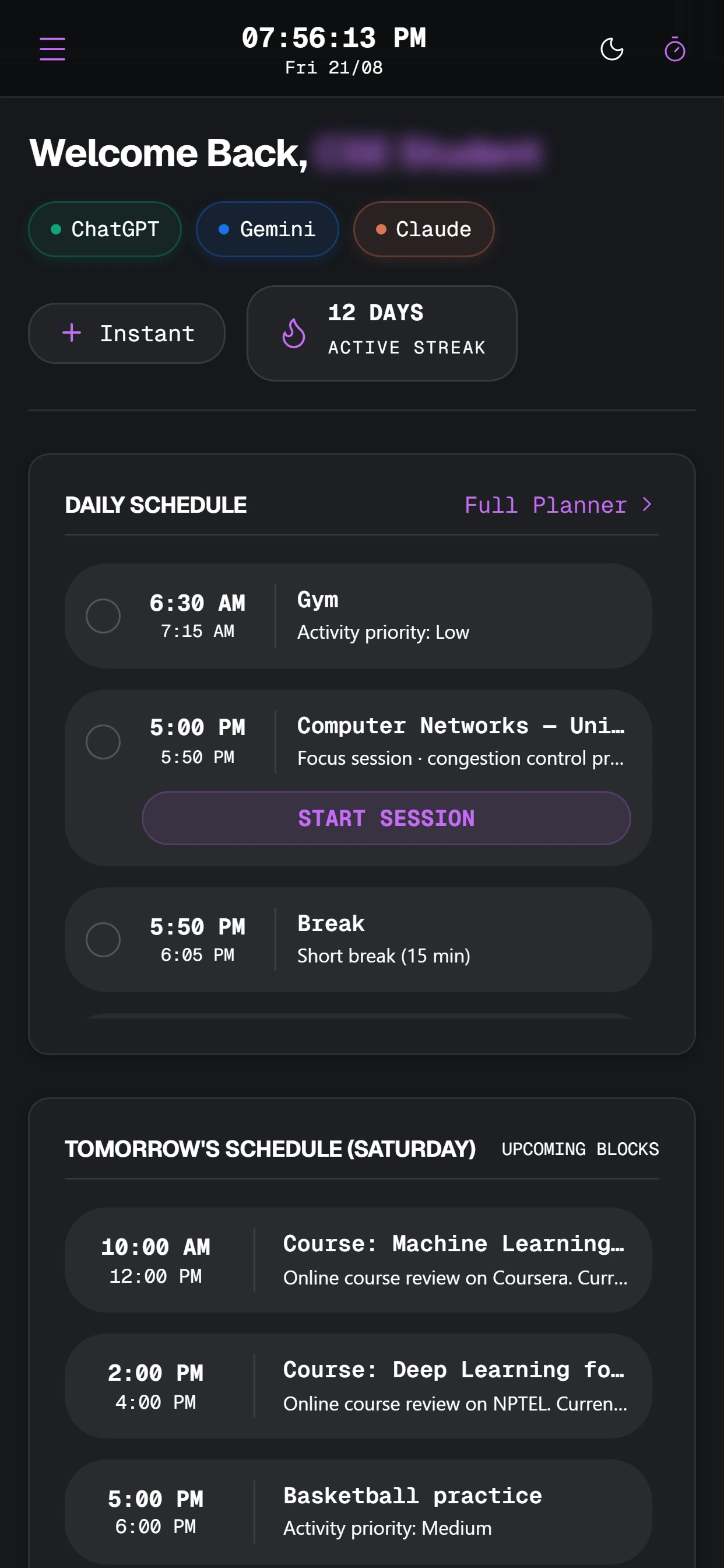
Add your subjects once. Layora lays out the week around your classes, pushes it to Google Calendar, and keeps every deadline, note and certificate where you can find it at 2 AM the night before.
@mite.ac.in accounts on the CSE roster · 2nd, 3rd and 4th year
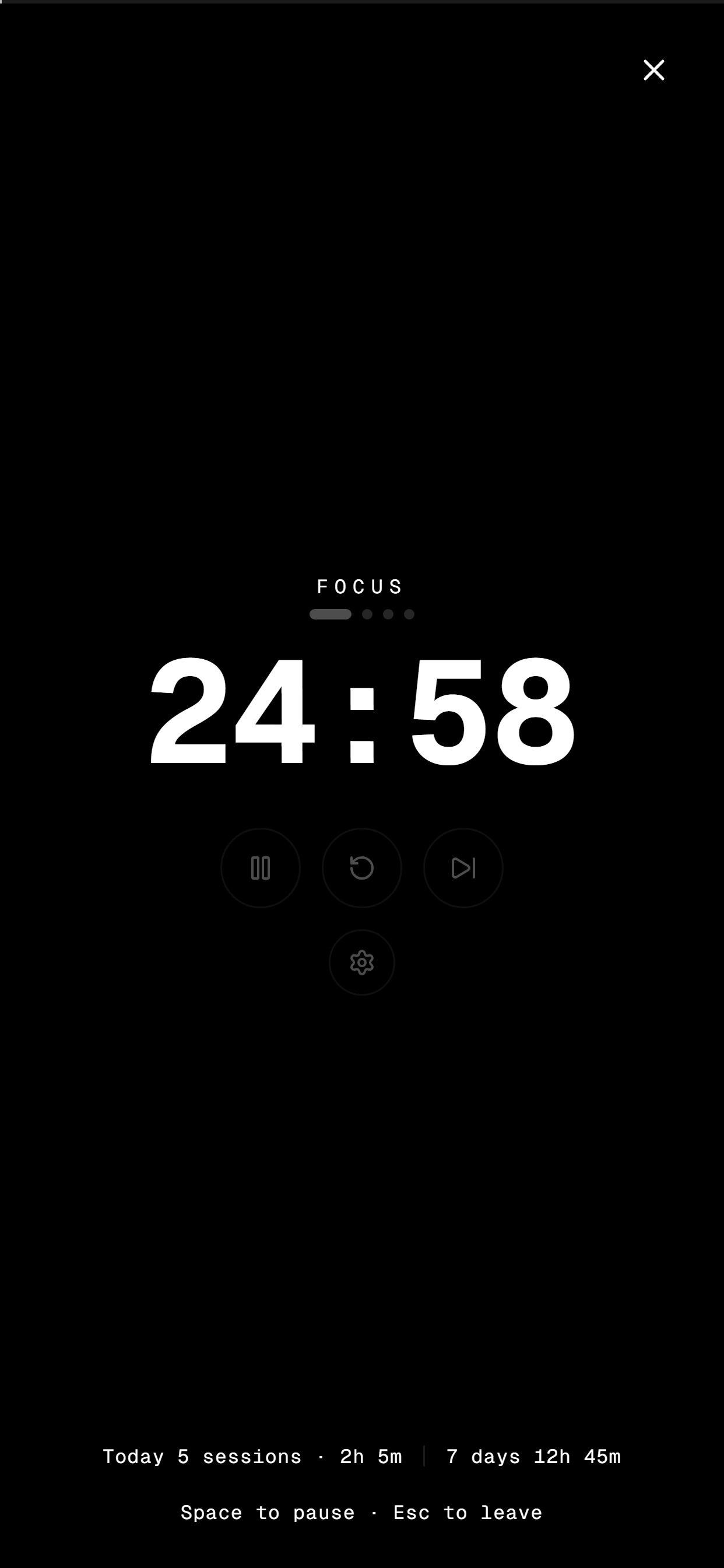
Everything else gets out of the way — sidebar, header, notifications, the lot. Space pauses, Esc leaves, and the session counts towards the streak on your dashboard.
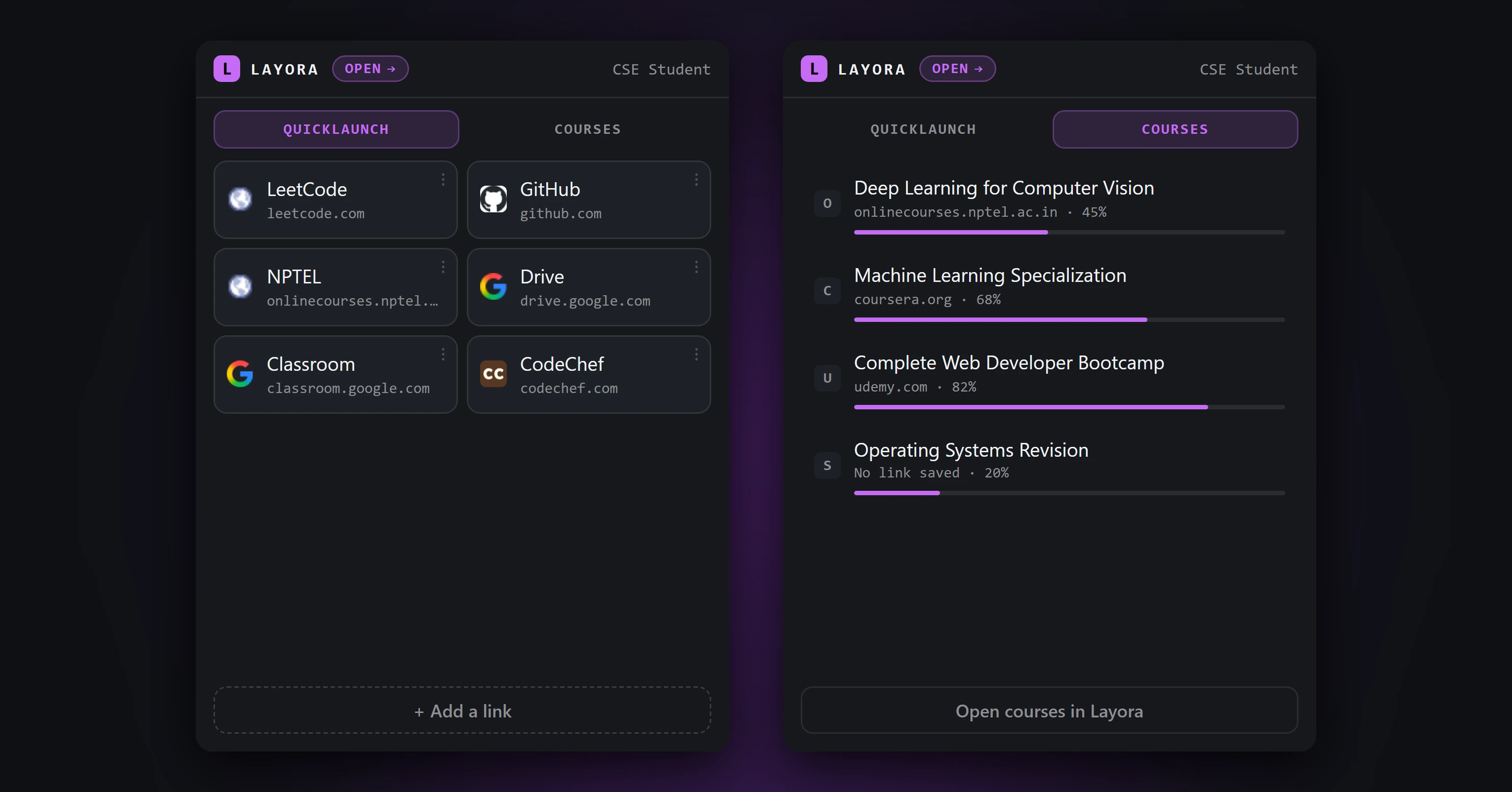
Published on the Firefox Add-ons site. Pin it once and your quick launchers and course list are a click away without opening the dashboard — and a link you add from the popup shows up in Layora too.
Add your subjects once — code, credits, how hard they are. Layora fills the gaps between lectures with focus sessions sized to your Pomodoro rhythm, and calls out any deadline it could not find time for.
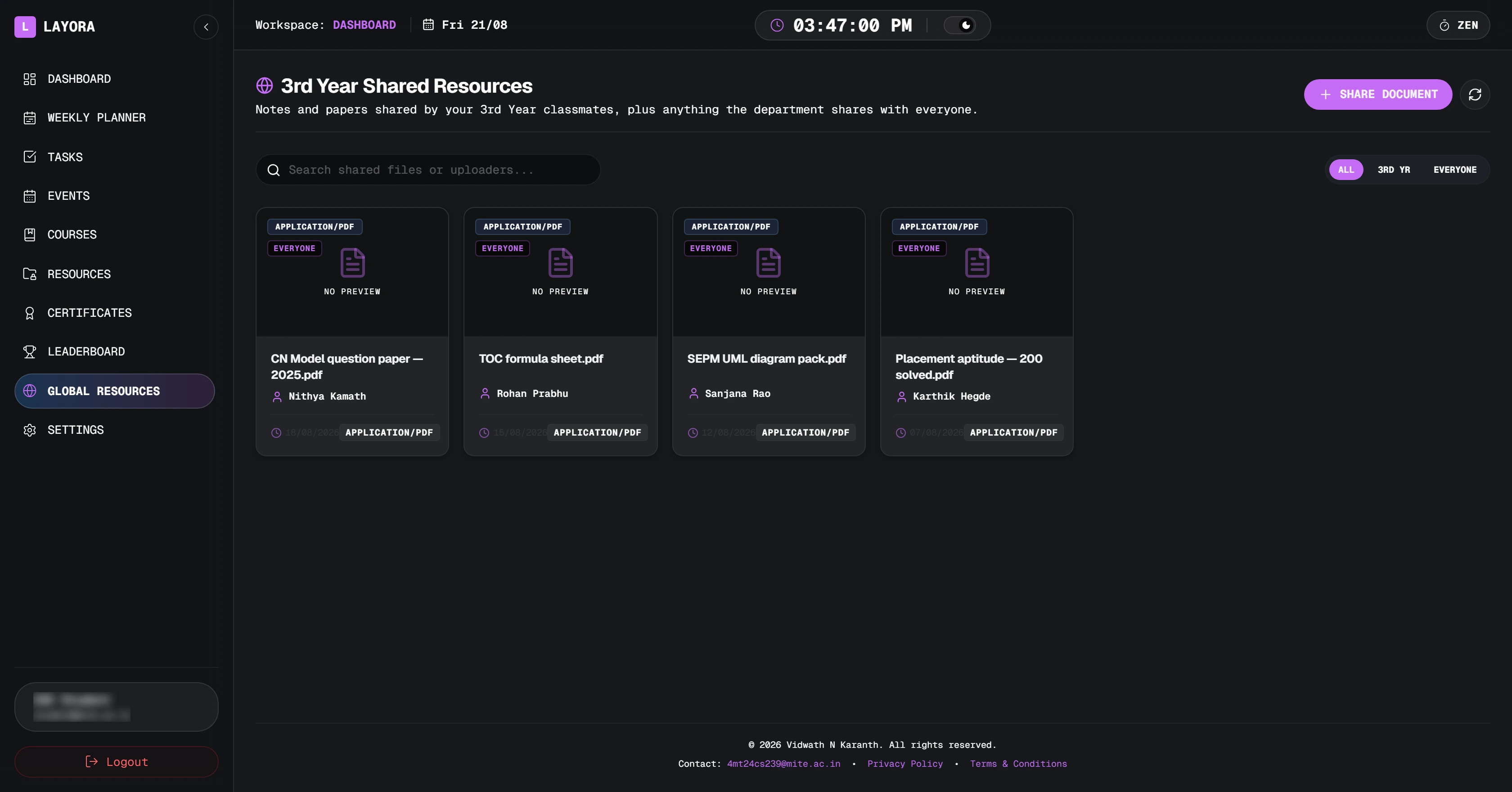
One button writes the week into Google Calendar in your own time zone. Change a block and sync again — Layora clears the copies it wrote before, so a fortnight of edits never becomes a fortnight of duplicates.
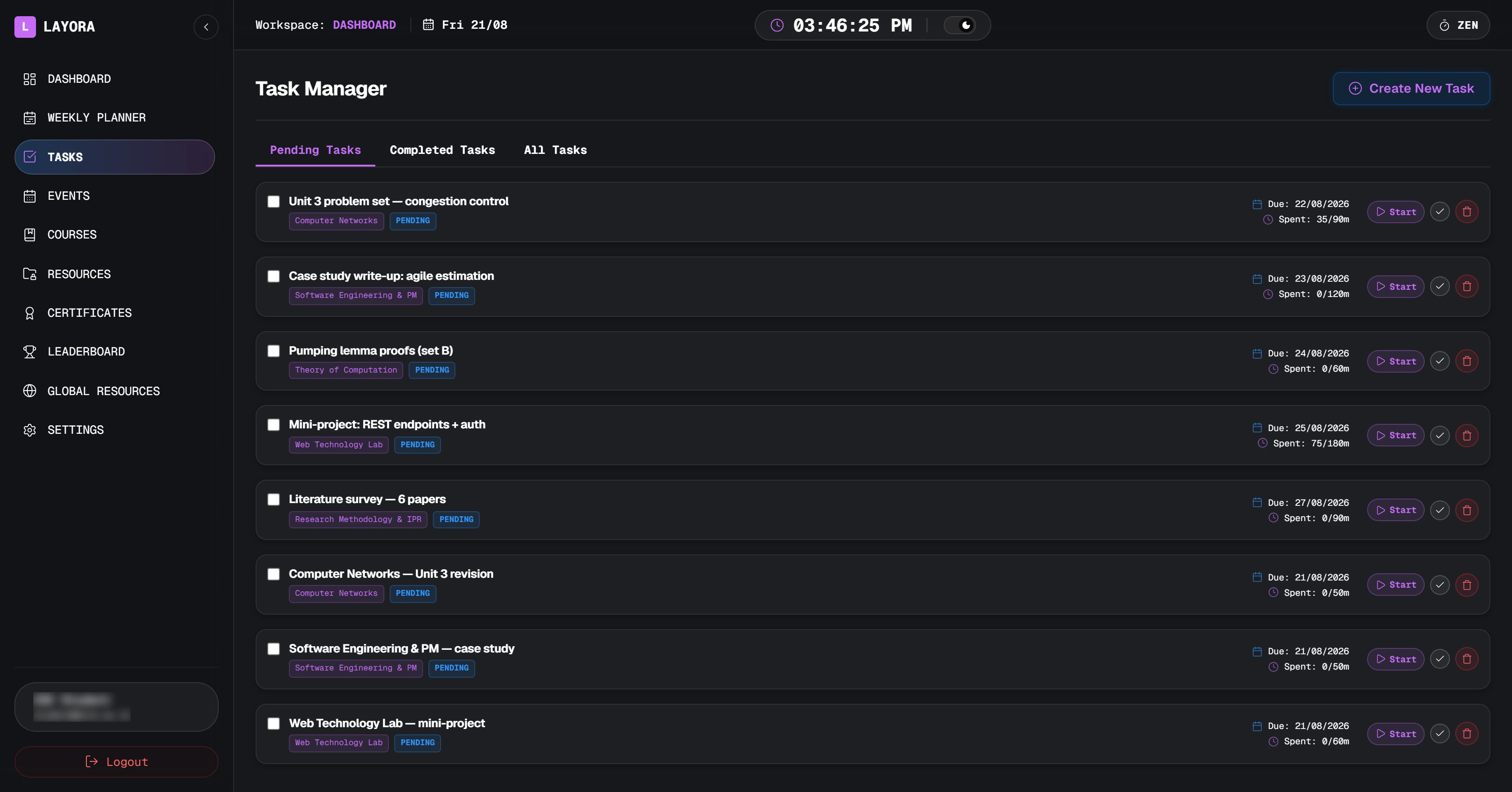
Give a task an estimate and start the timer when you sit down. The planner uses what you log to decide how much room the next one needs.
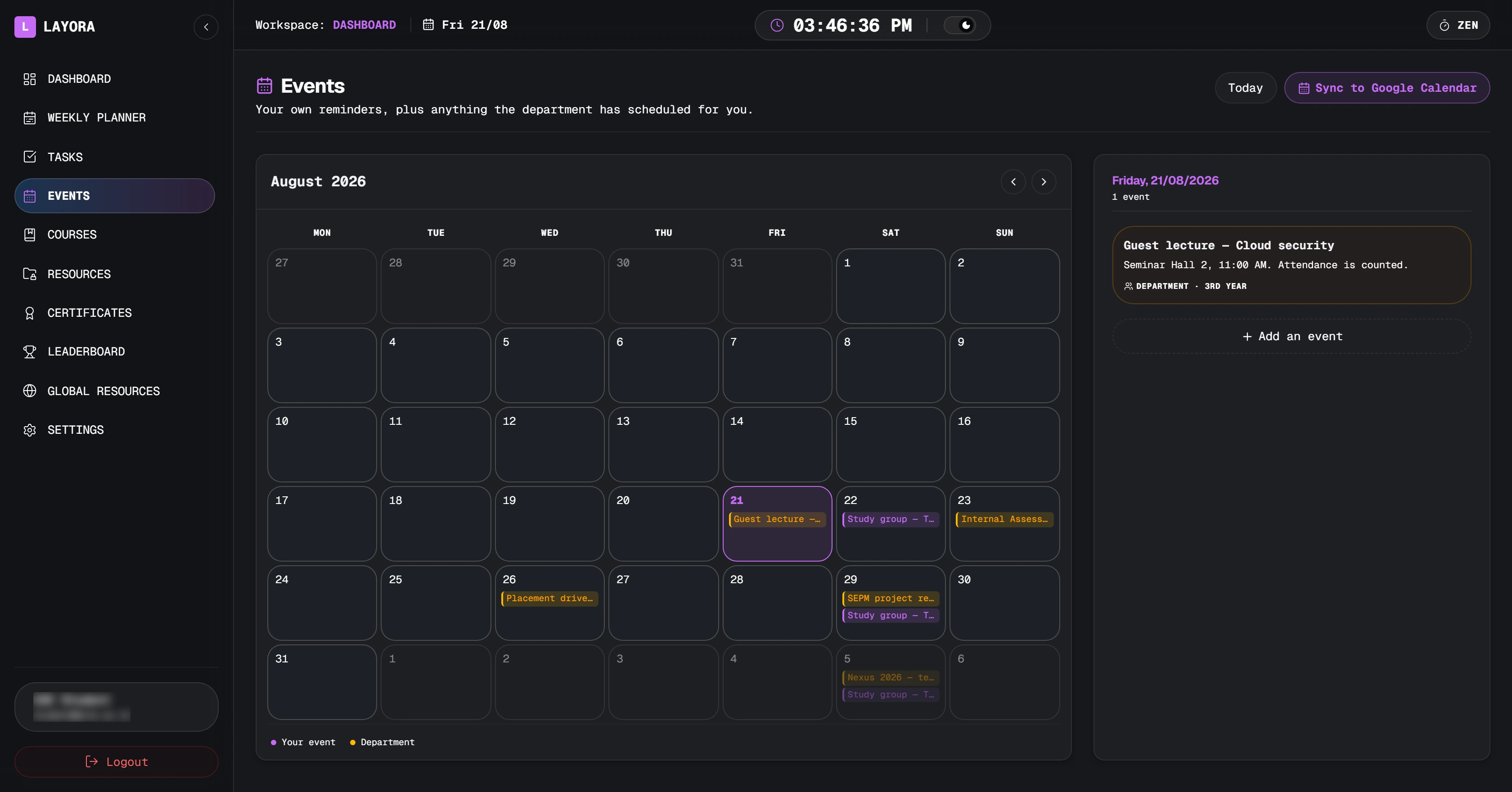
Assessments, project reviews and placement drives are posted by the department to your year. Your own reminders sit on the same grid in a different colour, and repeat weekly if you tell them to.
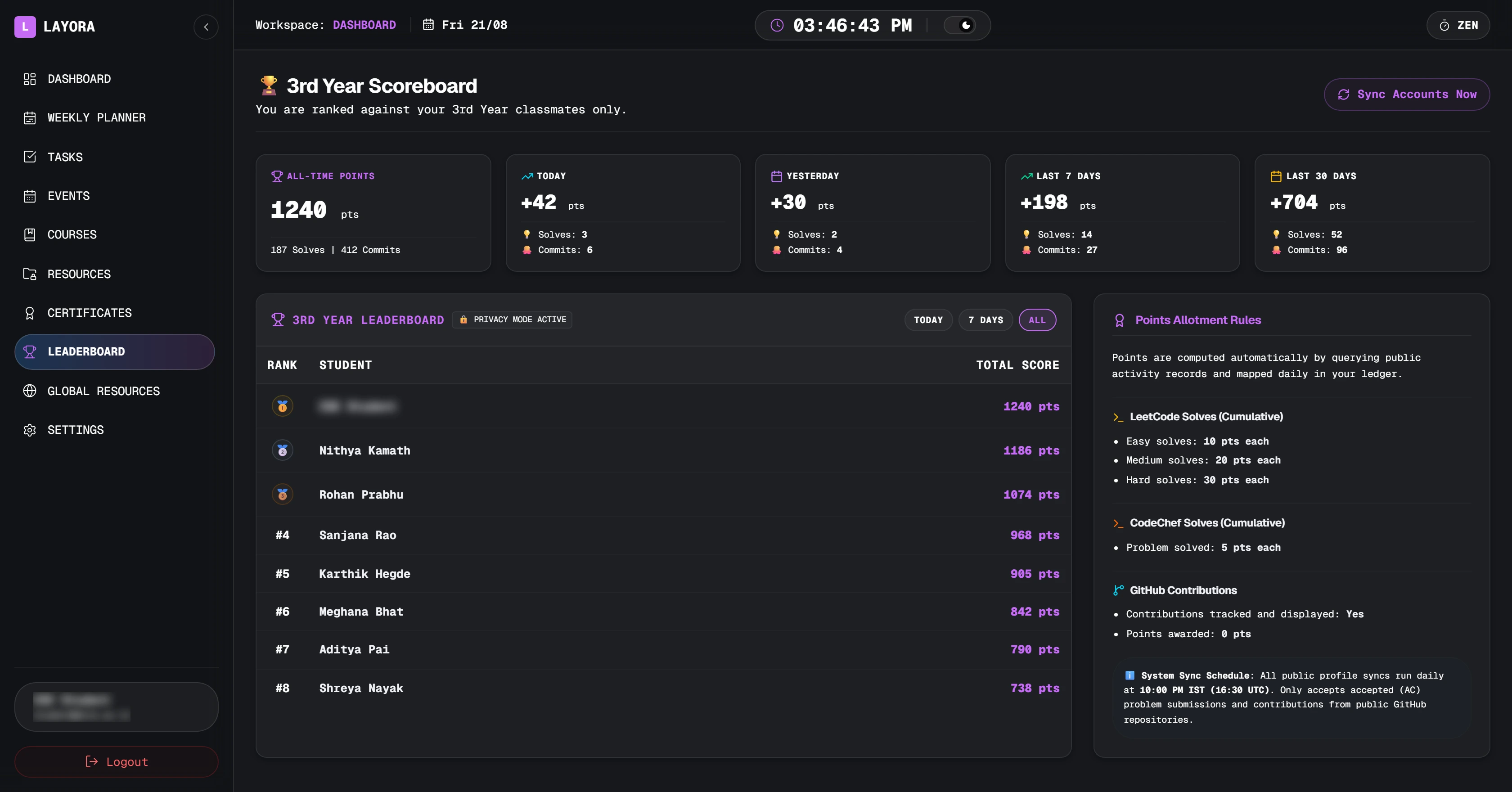
Connect LeetCode, GitHub and CodeChef. Every night at 10 PM Layora reads the public profiles, scores solves and contributions, and ranks you against your own year group — nobody else.
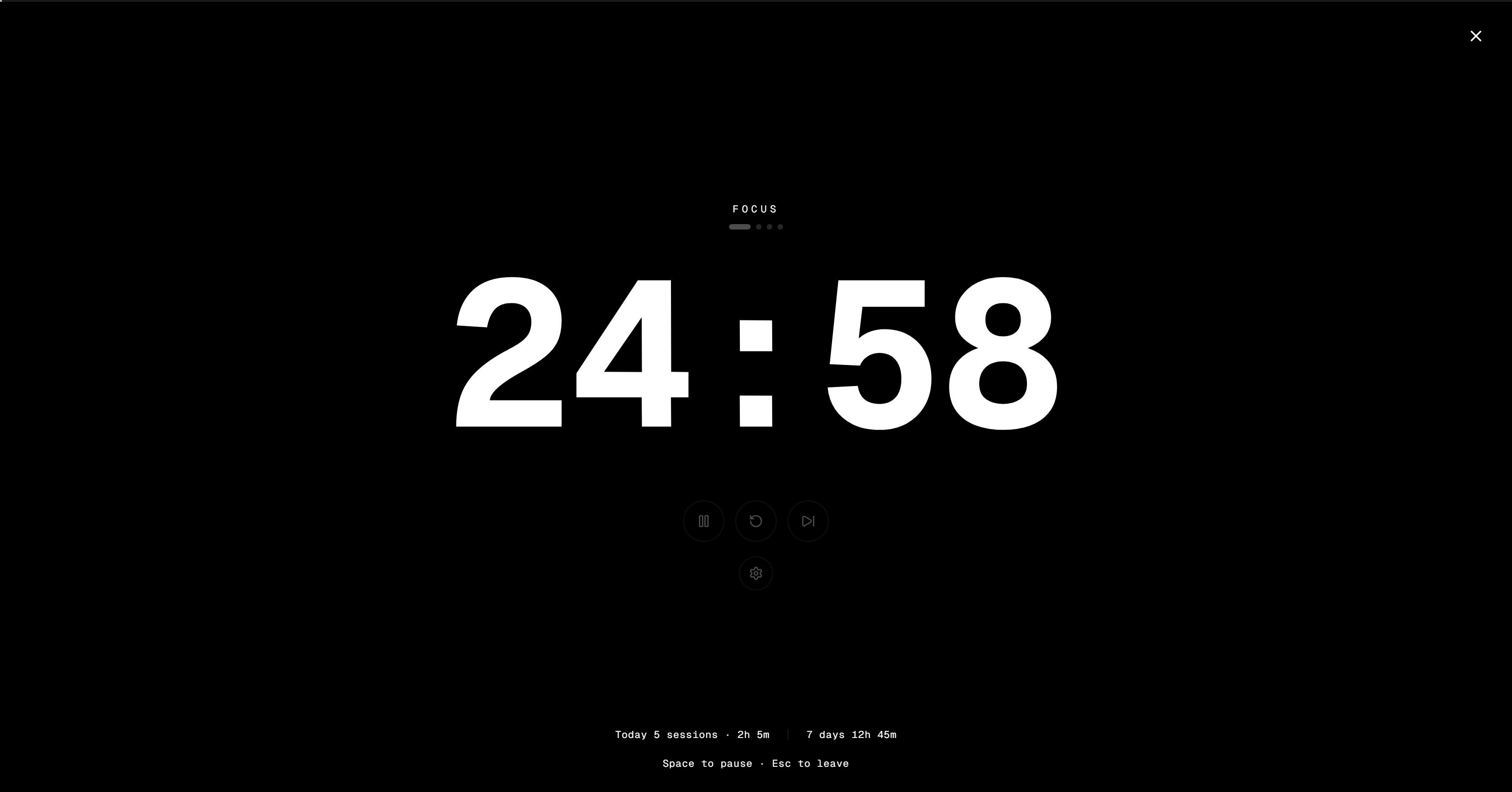
Everything else gets out of the way — sidebar, header, notifications, the lot. Space pauses, Esc leaves, and the session counts towards the streak on your dashboard.
Published on the Firefox Add-ons site. Pin it once and your quick launchers and course list are a click away without opening the dashboard — and a link you add from the popup shows up in Layora too.
Add your subjects once — code, credits, how hard they are. Layora fills the gaps between lectures with focus sessions sized to your Pomodoro rhythm, and calls out any deadline it could not find time for.
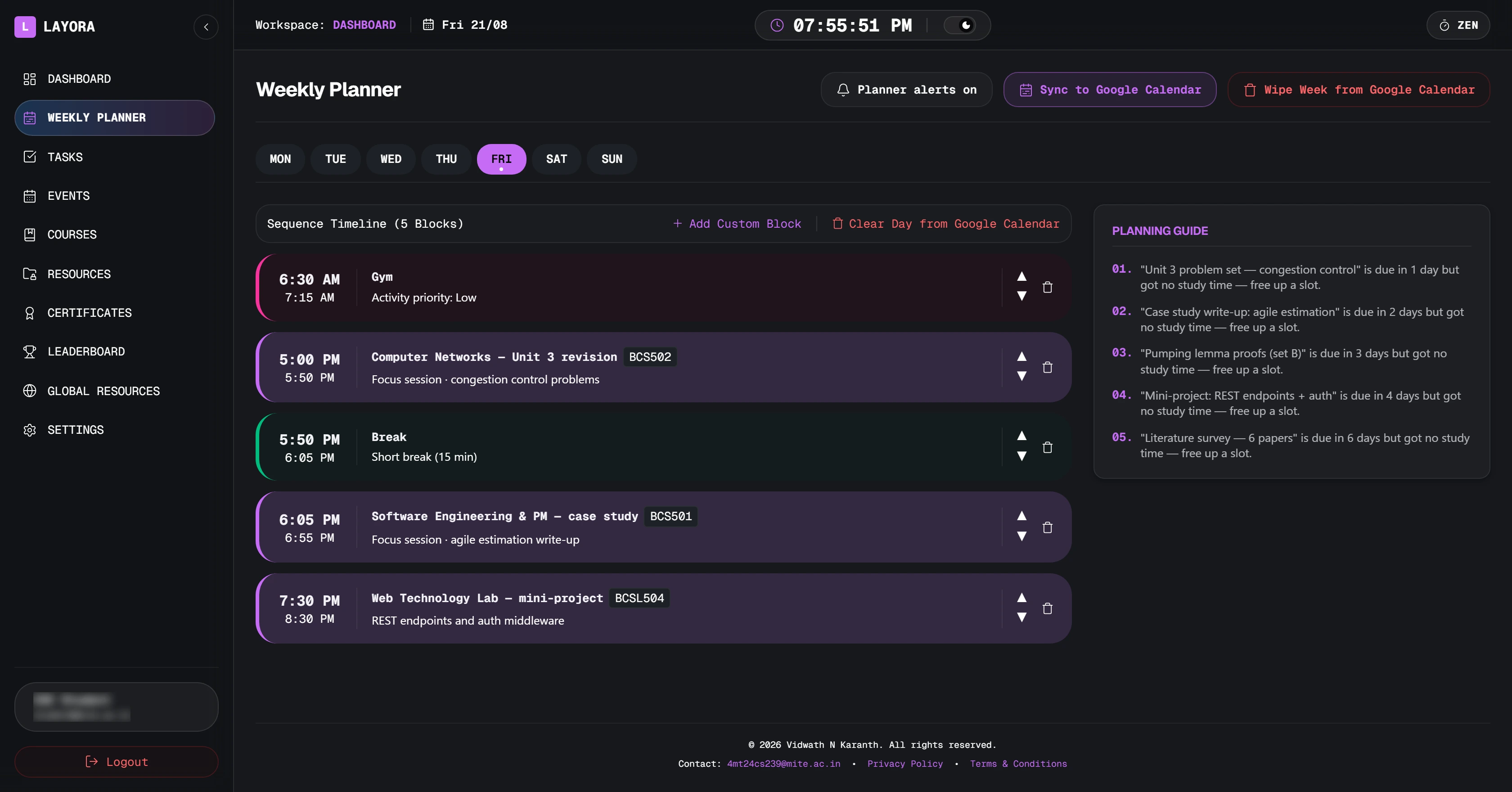
One button writes the week into Google Calendar in your own time zone. Change a block and sync again — Layora clears the copies it wrote before, so a fortnight of edits never becomes a fortnight of duplicates.

What one press writes
Give a task an estimate and start the timer when you sit down. The planner uses what you log to decide how much room the next one needs.
Assessments, project reviews and placement drives are posted by the department to your year. Your own reminders sit on the same grid in a different colour, and repeat weekly if you tell them to.
Connect LeetCode, GitHub and CodeChef. Every night at 10 PM Layora reads the public profiles, scores solves and contributions, and ranks you against your own year group — nobody else.
The whole workspace switches for a bright classroom: paper ground, brass labels, a highlighter wash on the page you are working from. Every label was checked against the background it sits on, so nothing turns to grey mist at noon.
Four accent colours · dd/mm/yyyy dates everywhere · 24-hour clock optional
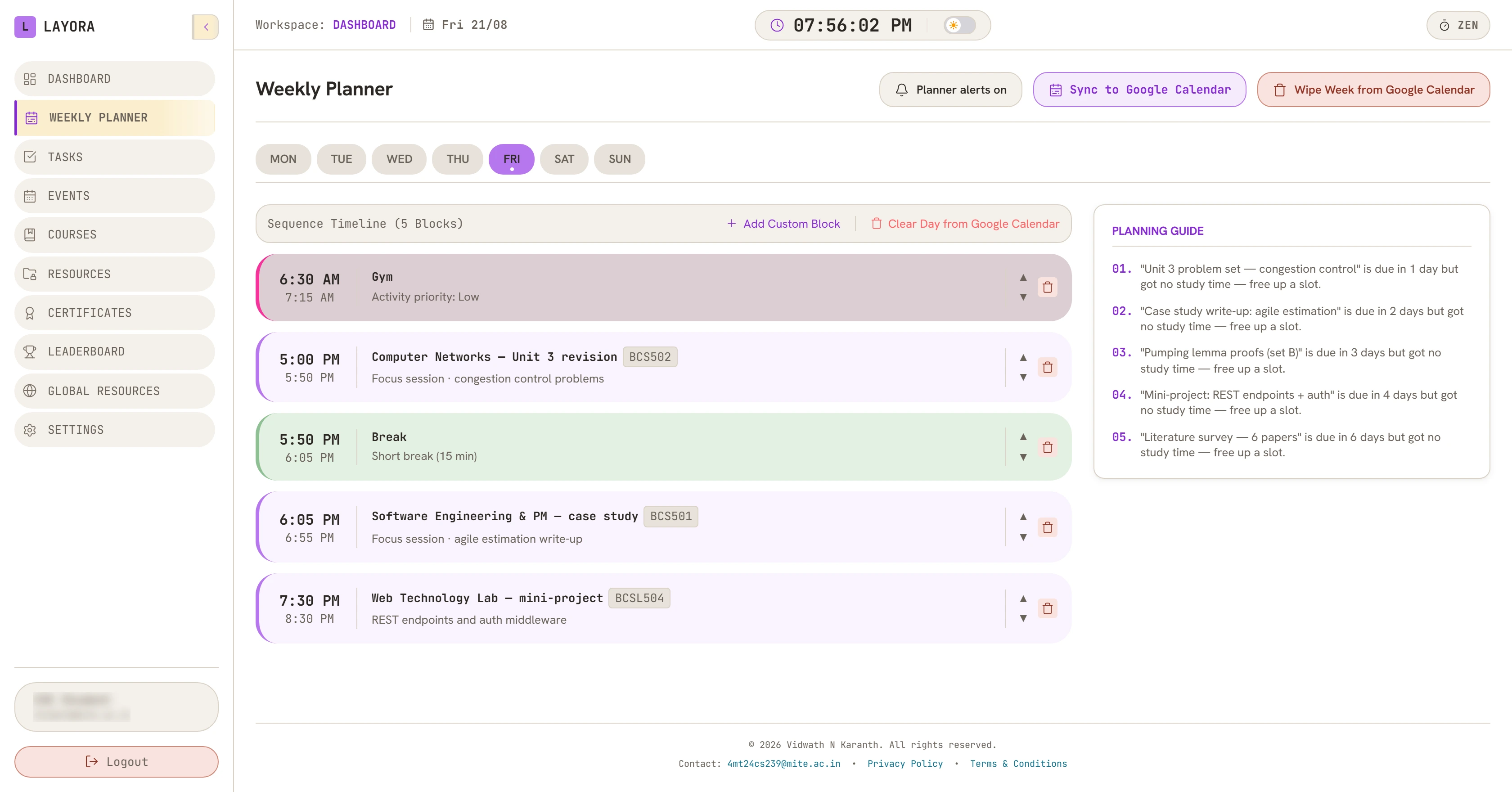
NPTEL, Coursera, Udemy — progress, hours per week and a reminder before the deadline.
NPTEL, courses and competitions, each a link to the file in your own Google Drive.
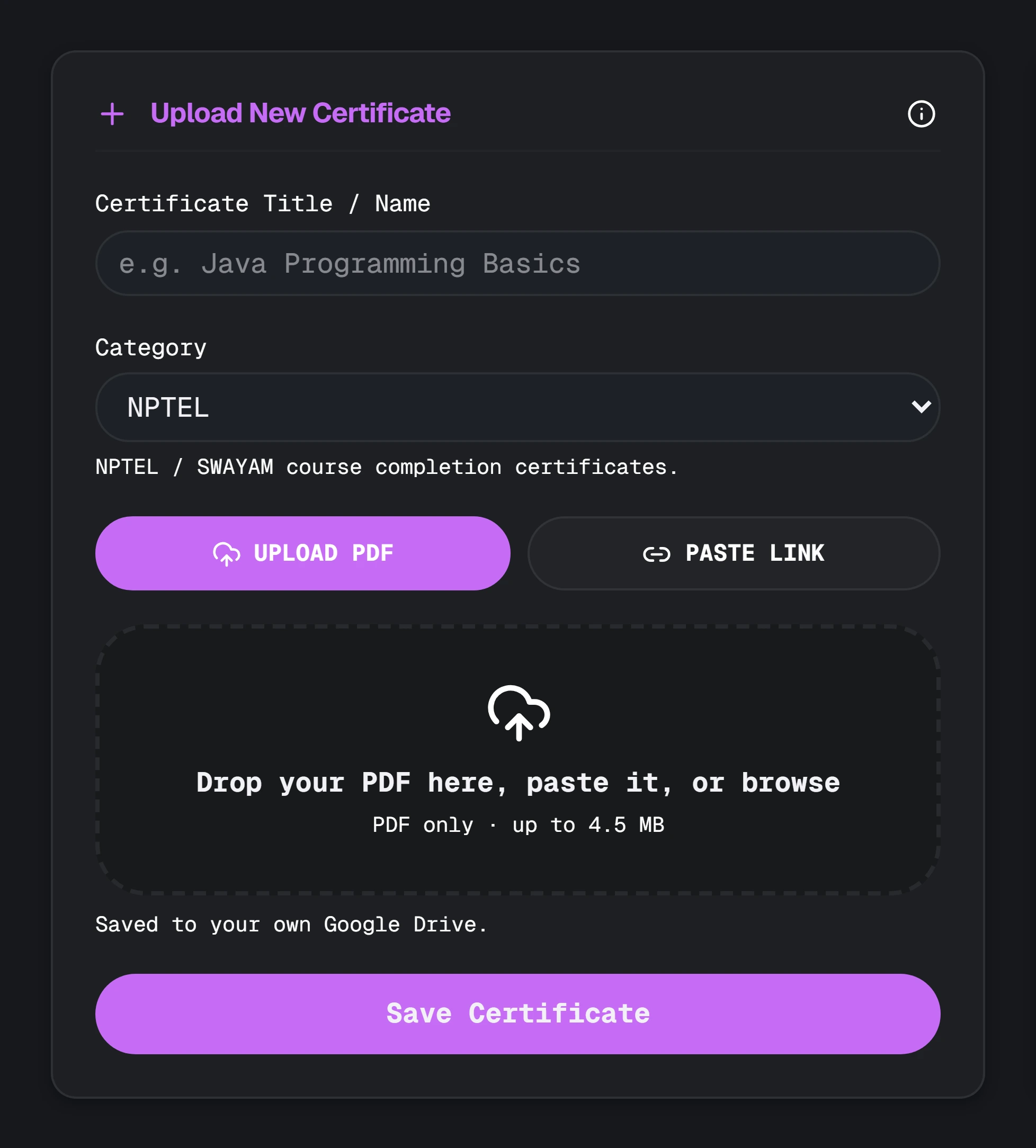
Every PDF indexed under the subject it belongs to, stored in your Drive, not on our server.
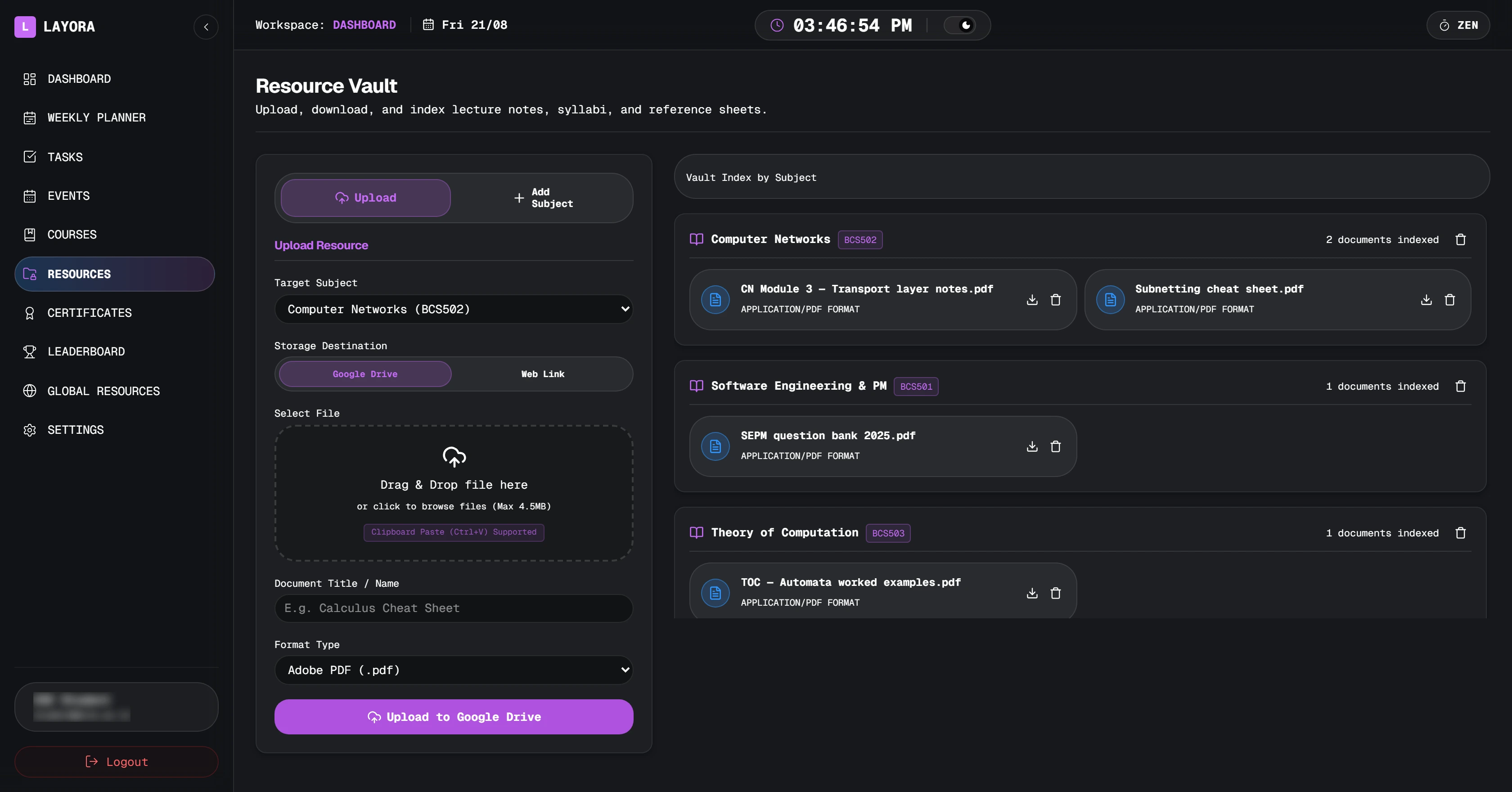
Question papers and cheat sheets uploaded by classmates, with the uploader on every row.
Layora installs as a web app, so a block starting in ten minutes shows up as a notification on the phone in your pocket — no email, no inbox rules.
Layora is not open to the internet. Your lecturer keeps the roster, and only the addresses on it can sign in — checked before a single page of the workspace is sent to your browser.
Sign in with the @mite.ac.in Google account the college issued you. There is no password to make and no other way in.
The roster decides whether you are 2nd, 3rd or 4th year. That is what the scoreboard, the shared library and department events are scoped to.
Ask your lecturer to add your address. Until then the workspace answers with a page that tells you exactly that.
https://www.googleapis.com/auth/calendar.eventsSensitive scope · create and remove the events Layora itself wrote.
Writing your timetable blocks and course deadlines into your calendar, and deleting those same events when you re-sync or wipe a week. Layora’s use of information received from Google APIs adheres to the Google API Services User Data Policy, including the Limited Use requirements.
It does not read your existing events, does not store your calendar on our servers, and does not sell, rent or transfer your Google user data to anyone. Files you upload go to your own Drive — Layora keeps the link, not the file.